A video does not have to stay fixed inside a full-screen player. XPlayer Mod Apk is an Android video player from InShot Inc. It can move playback into a resizable pop-up, continue the sound in the background, or send the picture to Chromecast. The supplied release is described as Full Premium. Its source does not separate standard and Premium tools, so no individual feature is presented here as a Mod-only unlock.
The Pop-Up Can Move While Another App Stays Open
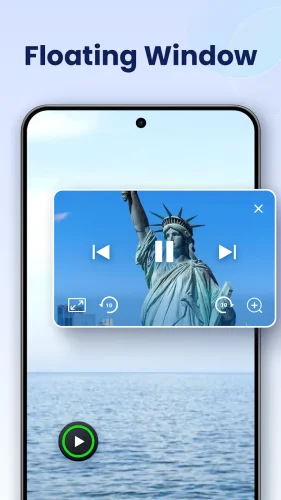
Floating playback places the video above other apps in a movable window. Resize it when more screen space is needed, or use split screen instead. Background mode takes a different approach. The picture leaves the screen while the audio continues, which suits a lecture or video book that does not need constant viewing.
Playback Speed Reaches 8.0 Without Hiding the Basic Controls
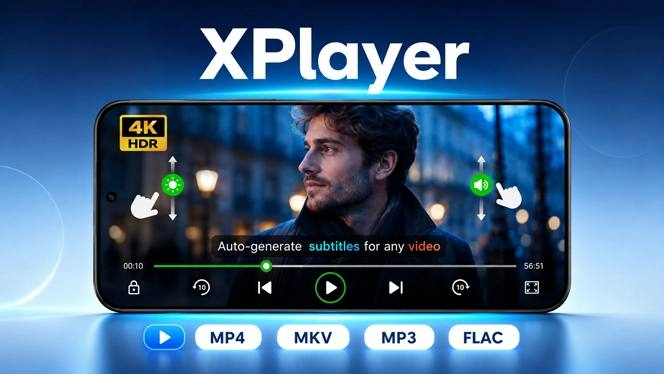
Speed can be reduced to 0.25 or raised as high as 8.0. Slow motion provides a closer look at a brief scene. Faster settings shorten spoken material or a long recording. Volume, brightness, and progress respond to sliding gestures on the playback screen. Quick Mute cuts the sound immediately, while Night Mode changes the screen for darker surroundings.
Rotation and Aspect Ratio Stay Adjustable
Automatic rotation is optional rather than permanent. Aspect-ratio choices adapt a video to the display, and screen lock prevents stray touches from changing playback. These controls work on Android phones and tablets.
Hardware Acceleration Handles 4K Files
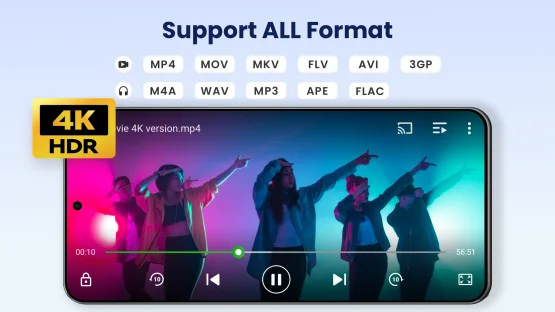
The player supports HD, Full HD, 4K, and Ultra HD video. Hardware acceleration uses the device hardware during playback. Actual results still depend on the phone, tablet, and video file rather than the quality label alone.
Subtitles Can Be Downloaded and Adjusted Inside the Player
A subtitle downloader sits inside XPlayer, avoiding a separate search for supported captions. Subtitle presentation can then be customized alongside the audio settings. This is useful when a caption track needs adjustment before the film continues.
A Password Keeps Selected Videos Away From the Main Library
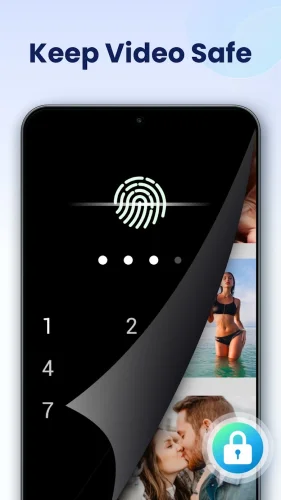
The private folder places personal videos behind a password. Protected files do not remain exposed in the regular album, and the folder guards them against unwanted viewing or deletion. It is a focused privacy tool, not a separate storage service.
Local Videos Are Collected Without Manual Folder Browsing
XPlayer scans internal storage and the SD card for video files. Detected items can be managed or shared inside the app. Format coverage includes MKV, MP4, M4V, AVI, MOV, 3GP, FLV, WMV, RMVB, and TS. Once a file is found, Chromecast can move it to a compatible TV instead of keeping playback on the phone.