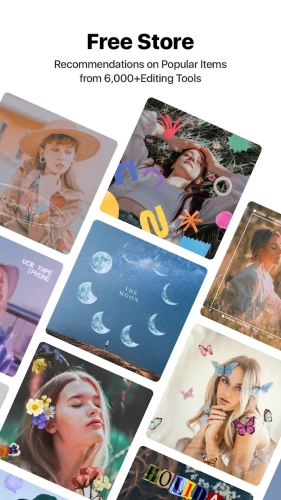
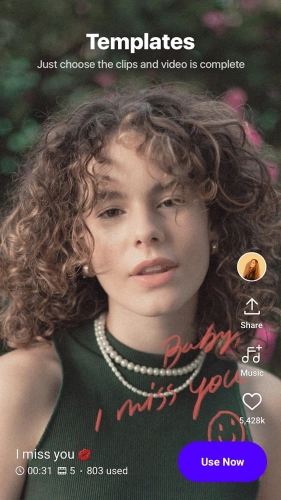
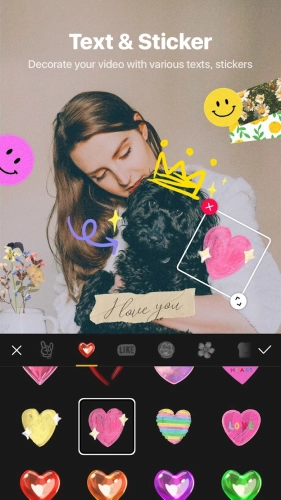
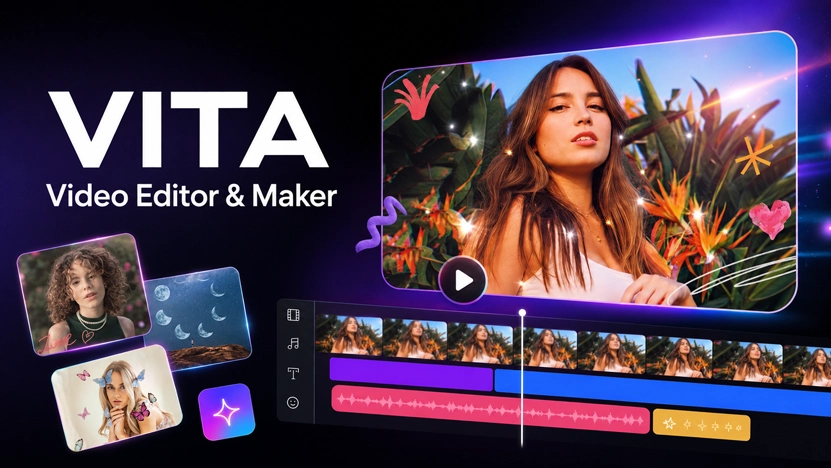
VITA Mod Apk brings the main tools needed to turn phone recordings into vlogs and social media videos. The app is developed by SNOW, Inc. and includes templates for anyone who wants to put a video together quickly. Just choose a template and add your clips, or skip it and arrange everything yourself. You can cut unwanted parts, combine several recordings, and place transitions between them so the video moves more smoothly from one scene to another. The speed option changes individual sections without affecting the entire video. A long recording can be accelerated, while a short moment can receive a slow-motion treatment. Music is selected through the included library and placed behind the footage. Titles and captions come from a collection of prepared fonts, including animated text that moves rather than remaining fixed on the screen. All of these elements remain adjustable before the project reaches the export screen. VITA supports Full HD output, and the No Watermark modification changes what appears in the saved file. The regular VITA branding is no longer placed over exported videos. This Mod description applies specifically to watermark removal. It does not confirm that premium templates, additional online material, or other paid services have been opened.
A Plain Recording Can Take on Glitch, Glitter, or a New Color Tone
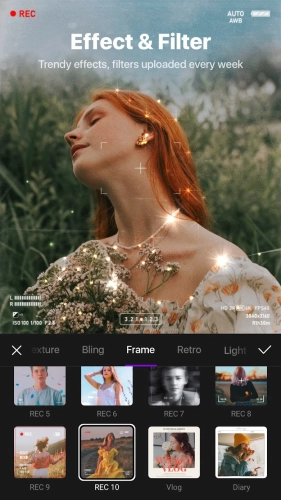
Not every edit needs a template or a long collection of clips. A single recording can be changed through filters that adjust its general color tone. This is useful when the footage appears too cool, too warm, or simply inconsistent with the rest of a project. VITA also carries more noticeable effects for videos intended to have a stylized appearance. Dreamy effects create a softer visual treatment, while glitch introduces digital distortion. Glitter and bling place brighter decorative elements over the recording. These choices can be combined with transitions, music, and animated captions, although they do not need to appear together in every project. Text has controls for color, stroke, and shadow, making a caption easier to read when the background contains similar colors. The editor also supports picture-in-picture work. A second video can appear above the primary footage rather than replacing it on the timeline. This setup works for reaction footage, demonstrations, or scenes where two recordings need to remain visible together. PIP can also be used to build a clone-style video with the same person appearing more than once. Collage editing takes a related approach by arranging several clips within one composition instead of playing them only in sequence. After the final filter, caption, overlay, and music choice has been checked, the project can be rendered in Full HD. VITA Mod Apk keeps the completed export clear of the application logo, so the saved video does not need to be cropped or covered afterward.
- Create short vlog projects with prepared video templates
- Add custom strokes and shadows around animated text
- Change caption colors to match different scenes
- Arrange several recordings together as a video collage
- Use overlay footage to create clone style videos