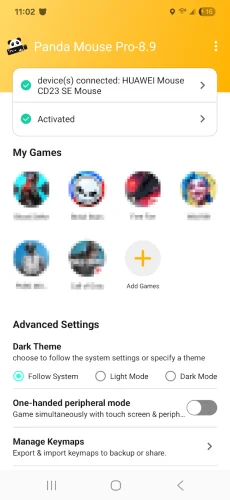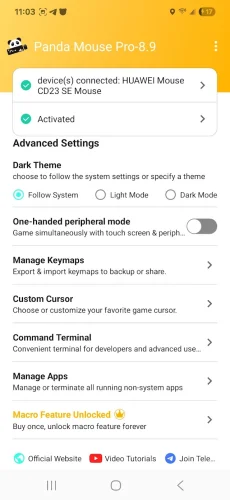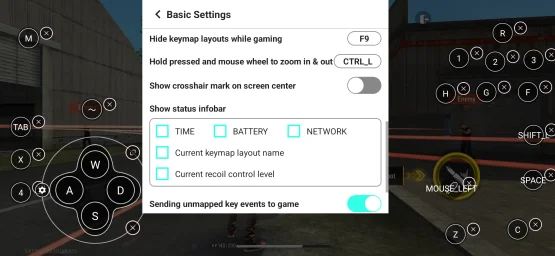
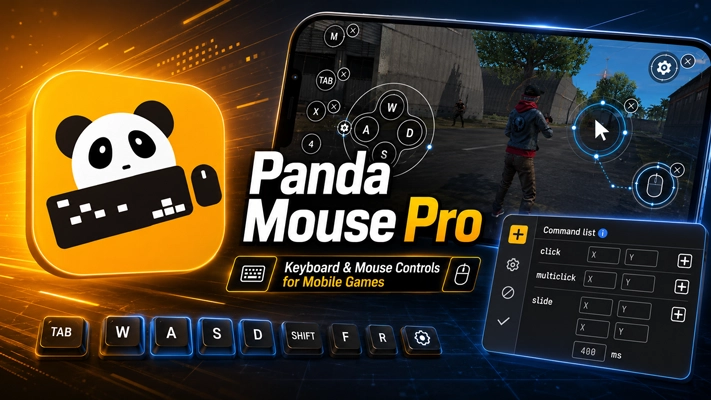
Panda Mouse Pro Mod Apk replaces touchscreen controls with a keyboard and mouse in Android games. It is useful when finger aiming or crowded on-screen buttons feel limiting, especially in shooters and MOBAs. Games open directly without cloning, Google Play login remains available, and nearly every keyboard or mouse brand is supported. The app requires Android 6.0 or later.
What Changes in the PAID/Patched Version?
This download includes a patched copy of the paid Panda Mouse Pro app. No extra unlocked features are mentioned, and activation has not been confirmed as removed. You may still need to complete the usual setup for your Android version.
Touch Controls Move to Your Keyboard and Mouse
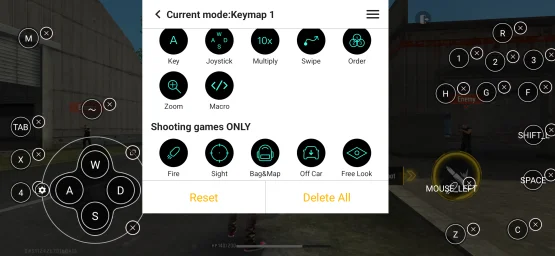
Panda Mouse Pro works as a keymapper. It connects physical keyboard and mouse input to the buttons used inside a mobile game. That can make aiming with a finger or pressing several touchscreen commands less awkward. The control layout still depends on the game being opened.
Aiming Feels Better Suited to Shooters
Shooting games are an obvious match for mouse control. Camera movement and aiming can be handled with the mouse instead of repeated swipes across the display. Meanwhile, keyboard keys cover the other mapped commands. It is a more familiar arrangement for anyone accustomed to playing on a computer.
MOBAs and Sports Games Are Supported Too
The app is not limited to gun-based games. Panda Gaming Studio lists MOBAs, sports titles, and other genres among the supported options. Any useful setup depends on the touchscreen buttons found in that particular title.
No Cloned Copy Is Needed
Some Android keymappers run games through duplicated apps. Panda Mouse Pro skips that method and opens the installed game directly. There is less fuss before reaching the game, and users do not need to maintain a separate cloned copy.
Google Play Accounts Can Still Be Used
Google Play login works when a game is launched through the app. That matters for titles connected to an existing Google Play account. The original game installation stays in use rather than being replaced by a duplicate.
Its Anti-Ban Claim Comes From Direct Launching
Panda Gaming Studio describes the app as ban-proof because it avoids duplicated game environments. Still, rules for keyboard mapping can differ between online games. Checking the policy of a competitive title before using external controls is a sensible precaution.
Most Keyboard and Mouse Brands Should Work
A specific brand is not required. The app supports virtually all keyboard and mouse manufacturers, according to the supplied information. Of course, the phone or tablet must recognize the connected hardware before Panda Mouse Pro can map it.
Activation Is Different on Older Android Devices
The one slightly awkward part is activation. Its steps depend on the Android version, and some devices need a computer before the app becomes ready.
Android 11 and Newer
Activation can be completed on the device when Android 11 or a later release is installed. A PC or Mac is not required for this route.
Android 10 and Earlier
Older non-rooted devices need a quick activation through a PC or Mac. This requirement applies to Android 10 and earlier versions.
Rooted Android Devices
Root changes the process again. On a rooted phone or tablet, Panda Mouse Pro activates automatically without the separate computer step.