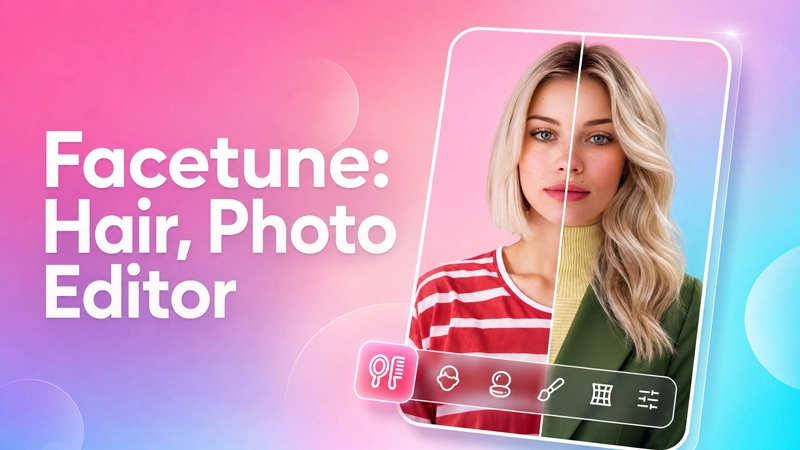
Open a selfie in Facetune Editor Mod Apk and the common corrections are easy to find. You can soften dark circles, remove temporary spots, whiten teeth, or smooth rough skin without rebuilding the whole photo. Automatic AI tools handle quick edits, while manual controls are available when one part of the face needs more attention. This version comes with VIP Unlocked, so the premium tools included in the app are accessible.
Small Face Corrections Stay in One Place
Facetune separates facial details so you do not have to apply one heavy filter to everything. Dark circles can be softened without smoothing the entire face. There are separate options for blemishes, red or white pupils, brighter eyes, and teeth whitening. The strength of each adjustment can be changed, which is useful when the automatic result looks overdone.
Reshaping Can Be Subtle or Very Obvious
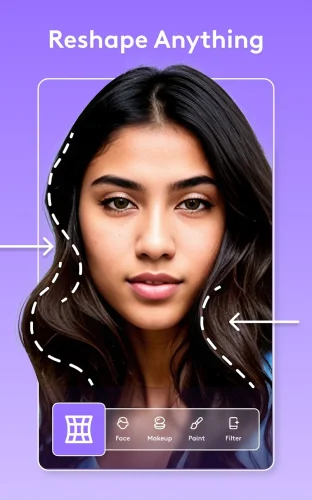
The reshape tools cover the nose, jawline, cheekbones, eyebrows, and selected areas of the image. A nose can be resized, eyebrows can look fuller, and a jawline can be adjusted without taking another photo. Larger changes are possible too, but pushing the sliders too far can make a portrait look unnatural. A light adjustment usually blends into the original image more easily.
Hair Color and Makeup Do Not Need a New Selfie
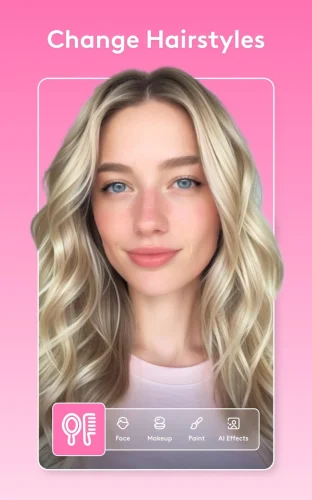
Hair tools change the color, preview different styles, and fill areas that appear thin. Makeup filters add options such as eye shadow and a softer skin glow. Eye color can also be replaced directly in the photo. These tools are useful for testing a different appearance before applying the same look to more images.
Custom Filters Save a Familiar Look
A preferred mix of colors and adjustments can be turned into a custom filter. That avoids repeating the same edits whenever another portrait needs similar treatment. Facetune also includes standard filters and effects for faster changes when detailed retouching is unnecessary.
Skin Tone Controls Extend Beyond the Face
Body skin tone can be adjusted or given a tanned appearance. Selected areas may also be enlarged or reduced with the resizing controls. Care is still needed near straight lines and detailed backgrounds, since strong reshaping can make surrounding objects look distorted.
A Casual Portrait Can Be Reworked as a Headshot
The AI headshot option creates a more professional version of an existing portrait. Background tools can blur the original setting or replace it with another one. Lighting around the eyes can be adjusted as well. Together, these options prepare profile and resume photos without moving the work to a desktop editor.
Face Retouching Also Works Across Video
Facetune is not limited to still images. Video tools can retouch faces, brighten dark footage, and place filters across an entire clip. An edit may be applied throughout the video instead of correcting every frame separately. Individual frames remain available when one moment needs a different adjustment.
VIP Opens the Premium Editing Tools
The regular version keeps part of its filters, effects, retouching controls, makeup choices, and other tools behind VIP access. In this modified package, the VIP features included with the current build are available without the regular premium restriction. Once editing is finished, the resulting photo or video can be shared with friends, family, or social platforms.