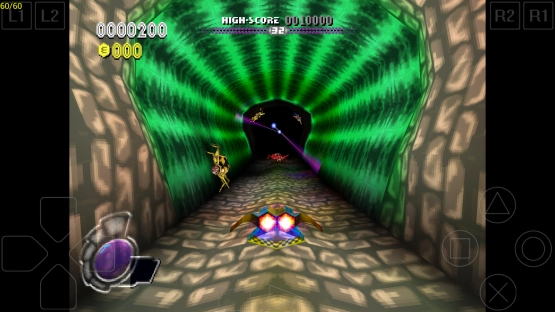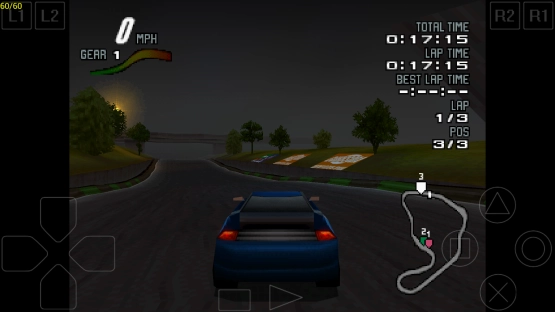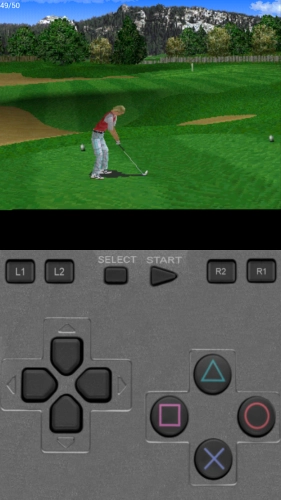
Plugged in a PS1 BIOS file, pointed the app at my old Metal Gear Solid ISO, and there it was running on a phone screen like nothing changed. ePSXe Mod Apk is a straight port of the PC emulator that’s been around forever. It handles just about every PlayStation game you throw at it. We’re talking 99% compatibility, which means the weird obscure JRPGs and the big hitters all work. The sound doesn’t crackle or desync, the frame rate holds steady, and you can map controls to a Bluetooth gamepad or just use the on-screen touch buttons if that’s your thing. And split-screen mode for two players is in there too, which feels ridiculous on a six-inch display. Trying to see Tekken 3 hitboxes on a cramped vertical split is pretty funny.
Software Renderer or OpenGL with Higher Resolution
So the default software renderer looks exactly how you remember PS1 games looking, pixelated textures and all. But there’s also 2x and 4x resolution options plus two OpenGL renderers that smooth everything out and make the polygons less jagged. Doesn’t turn Silent Hill into a modern game or anything, but it does make text readable and removes some of that chunky aliasing. Cheat codes are built in, so if you want infinite health on a replay you don’t need to hunt down a separate app. And save states sync with the PC version too. The memory card format matches byte-for-byte with desktop ePSXe builds.
You Supply the BIOS and ISOs
The app doesn’t come with a single ROM, BIOS file, or game image. You supply all of that yourself. It supports ARM and Intel x86 chips, works with WiiMote, Sixaxis, Xbox 360 controllers, and a bunch of third-party pads over USB or Bluetooth. Memory cards are compatible with the desktop version, so your old saves from 2005 load right up if you kept them. And the virtual pad layout is adjustable but takes some tweaking to feel natural. Gran Turismo 2 analog steering with touch buttons still feels wrong no matter how you position them.